Webmail Login Guide, also For aiemail.uk Webmail
mail365me provides two secure webmail interfaces. You may use either one to access your email — both connect to the same mailbox.
Option 1: Login via Roundcube Webmail
Login Steps
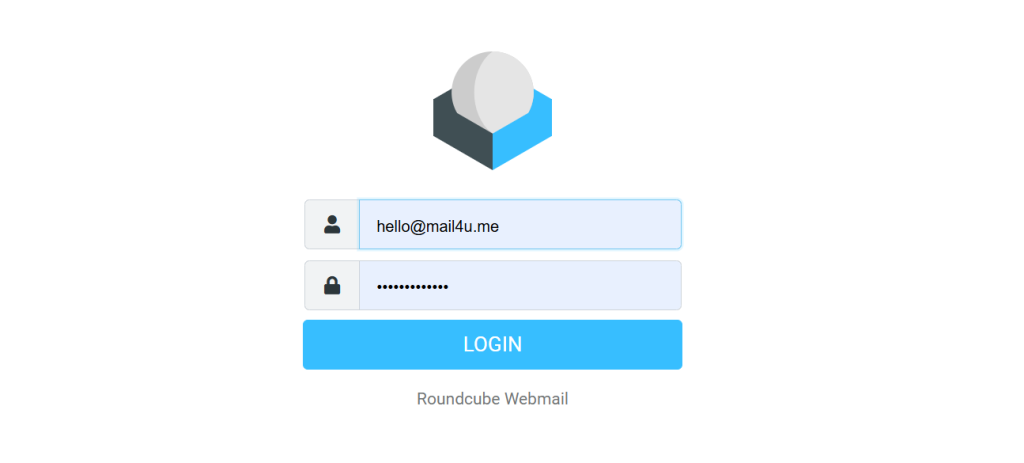
- Open your web browser (Chrome, Edge, Firefox, Safari).
- Go to the following link:
https://alpha.bdnameserver.com/roundcube/ - Enter your full email address
(Example:hello@mail365me.com) - Enter your email password.
- Click LOGIN.
✅You will be redirected to your inbox immediately after successful login.
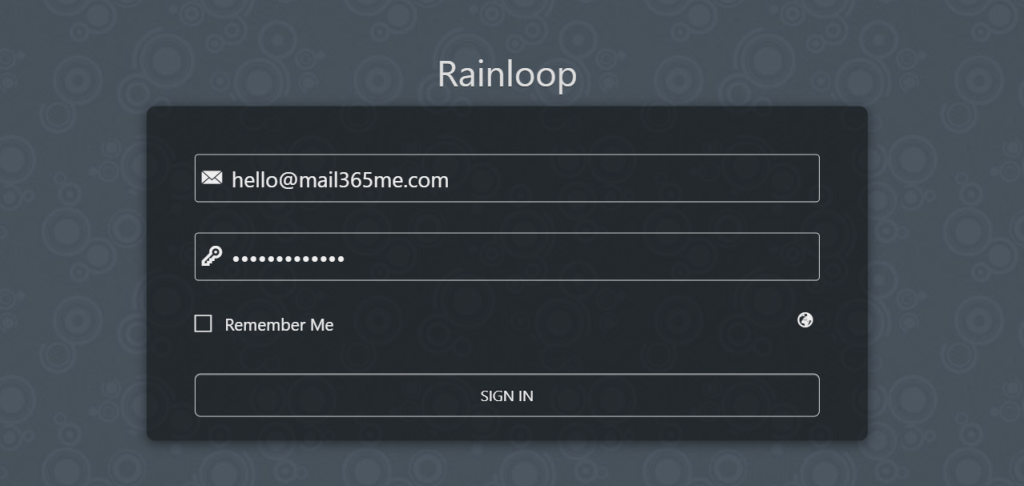
Option 2: Login via RainLoop Webmail
Login Steps
- Open your web browser.
- Visit:
https://alpha.bdnameserver.com/rainloop/ - Enter your full email address.
- Enter your email password.
- (Optional) Tick Remember Me if using a personal device.
- Click SIGN IN.
✅ Your mailbox will open once authentication is complete.
Important Information
- 🔁 Both RainLoop and Roundcube access the same email account.
- 🌐 If one link does not open, simply try the other.
- 🔐 Keep your email password secure and confidential.
- ❓ If you forget reminders or face login issues, please contact IT Administrator.